- Components and Spares
- Component
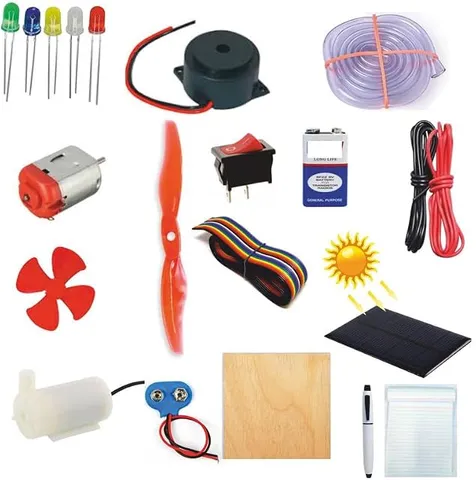
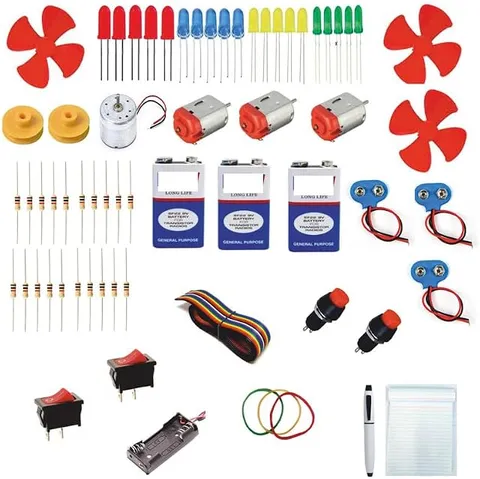
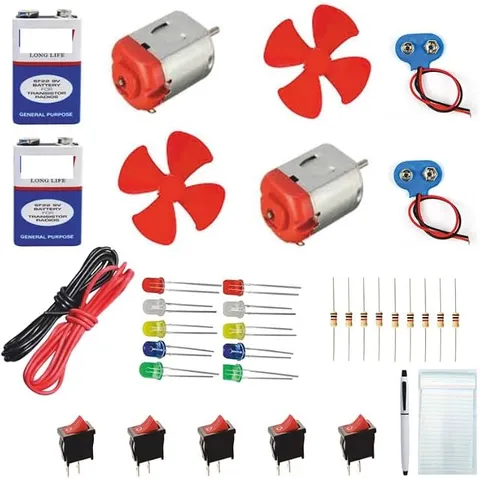
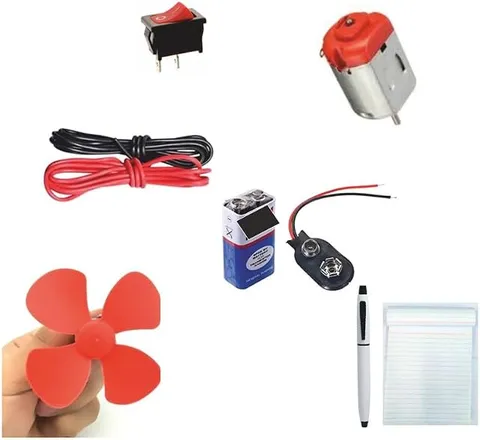
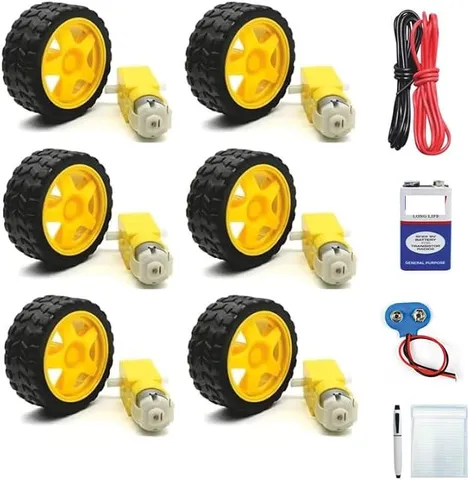
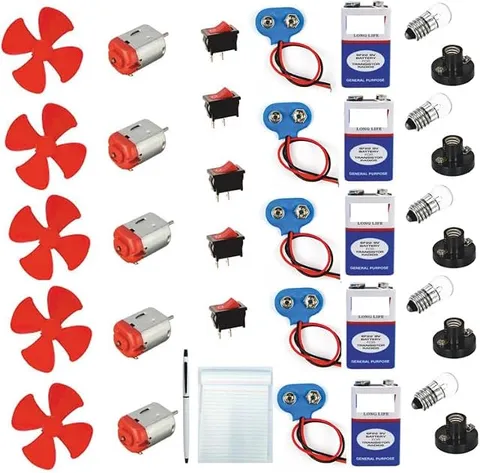
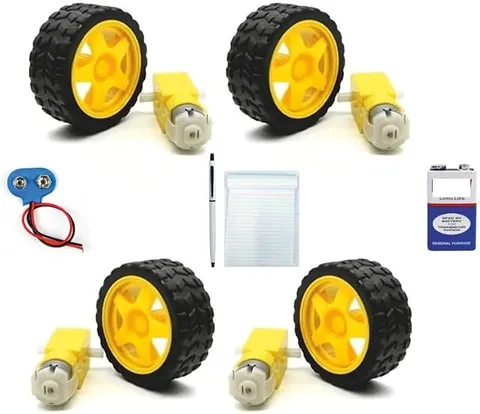
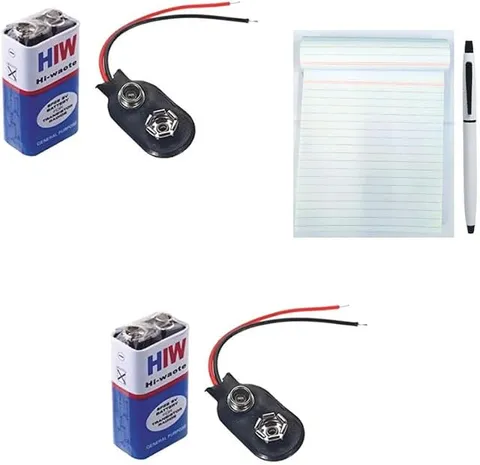
9V Battery HW HIW with Connector Value for Money Pack with Pen and Rough Pad
Code B0FGV127P4
- Paid for and delivered by Amazon. The current price and the delivery date for your PIN code are shown there.
- Sold by Gurukul Technicals Institute, Delhi.
- Need a different topic, a custom version or a school order? Ask on WhatsApp.
Component
About this part
This is a 9V battery for powering small school electronics projects; the listing says it comes with a battery connector, a pen and a rough pad. A 9V battery is the usual power source for LED circuits, buzzers, clap switches and many other investigatory models, so a spare one is handy before an exhibition or practical.
How it works
The science behind it
The idea the part demonstrates, in words you can use in your report and when you explain it.
A battery changes stored chemical energy into electrical energy. Inside most ordinary 9V batteries, six 1.5 V cells are joined in series, and in series their voltages add: 6 × 1.5 V = 9 V. A battery gives direct current (DC), which flows in one direction only; conventional current goes from the positive terminal through the circuit to the negative terminal. The printed voltage is the rated value. As the battery is used, its voltage slowly falls, and its internal resistance makes the voltage dip a little when a heavy load is connected. Ohm's law, V = IR, helps you choose parts: to run a red LED that needs about 2 V and 20 mA from 9 V, a resistor must drop the other 7 V, so R = 7 V ÷ 0.02 A = 350 Ω, and the next standard value, 390 Ω, is used. Many digital multimeters in school labs run on this same type of battery.
Using it in your projects
Using a 9 V battery and snap connector in your projects
What this part is good for, what else you need with it and how to connect it.
Projects you can build with it 8
- An LED torch with a switch
- A clap switch or sound-activated light
- A rain alarm that sounds a buzzer when water bridges two wires
- A burglar alarm using a thin broken-wire loop across a door
- A steady-hand buzz-wire game
- An electric quiz board
- A conductors and insulators tester
- A water level indicator for an overhead tank model
What else you need 9
How to connect it 8 steps
Check the battery with a multimeter set to the 20 V DC range: a new battery usually reads about 9 V or a little more, and one that reads well below 8 V will struggle to run buzzers and motors.
Press the snap connector on firmly. The smaller round terminal of the battery is positive and the larger six-sided one is negative, so the red lead is positive and the black lead is negative.
- Build a quick test circuit
Red lead to the switch, then a 470 Ω resistor, then the LED's long leg; the LED's short leg goes back to the black lead.
Switch on and check that the LED glows. If it does, the battery and connector are good and ready for your main project.
Fit a switch in the red lead of your real project so the battery is disconnected whenever the model is not being shown.
Join wires that may get pulled with a twist covered by insulating tape, or with a screw terminal, rather than a loose twist alone.
If your project has a motor, measure the voltage while it runs; if it drops a lot, use a holder with six AA cells in series (also 9 V), which can supply more current for longer.
After the exhibition, pull off the connector and store the battery in a cool, dry place with its terminals covered.
Read this first
Safety first
Go through these points before you build or switch anything on. Younger students should do this with an adult.
- Never carry a 9 V battery loose in a bag or pocket with coins or keys: if both terminals touch the same metal, it short-circuits and can get very hot.
- Do not try to recharge an ordinary non-rechargeable battery, open it, or throw it in a fire.
- Never connect an LED straight across the battery without a resistor.
- If the battery or any wire becomes hot, disconnect it at once and look for a short circuit before reconnecting.
- Put used batteries in an e-waste or hazardous-waste collection, not in the ordinary dustbin.
Troubleshooting
If something does not work
The usual problems with this part and how to fix them. Open a problem to see the fix.
The LED glows but the motor will not run
A small 9 V battery cannot give the large current a motor needs, especially when it is partly used. Try a fresh battery, or power the motor from a holder of AA cells.
Nothing works when the snap connector is fitted
The snap may be loose, a lead may be broken where it joins the snap, or the battery may be flat. Measure the voltage at the ends of the red and black leads with the multimeter to find out which.
The battery gets warm
There is a short circuit: bare wires touching, an LED without a resistor, or a motor that is jammed. Disconnect it straight away and check each joint.
The battery runs down within a day
The project may have been left switched on, the resistor may be too small, or a motor may be drawing heavy current. Add a switch, use a larger resistor for LEDs, and keep a spare battery for the exhibition.
Exhibition day
How to present it
A running order for the exhibition table or the practical, step by step.
Check the battery with a multimeter before the event; a reading well below 9 V means it is time for a fresh one.
Unclip the connector whenever you are not demonstrating, so the battery does not drain between judges.
Carry a spare, because a weak battery is the most common reason a working model stops on the day.
Never let both terminals touch a coin or key together, as a short circuit can make the battery hot.
Practice
Viva questions
Practice questions on this part, with short answers. Try each one aloud before you open the answer.
Why is it called a 9V battery?
Because the cells inside it are joined in series and their voltages add up to 9 volts; in most ordinary types there are six cells of 1.5 V each.
What energy change takes place in a battery?
Chemical energy stored in the battery is converted into electrical energy when the circuit is closed.
Does a battery give AC or DC?
A battery gives direct current (DC), which flows in only one direction.
What is the difference between a primary cell and a secondary cell?
A primary cell cannot be recharged and is discarded when used up, while a secondary cell, like a mobile phone battery, can be recharged many times.
Buying checklist
Before you buy
What to check before you order the part, and what to do when it arrives.
1Before you order
- Check whether your project's circuit really needs a 9 V battery or a pack of AA cells before you buy.
- Read the listing to see the battery type and what else is mentioned with it, so you know what you still need to arrange.
- Look for an expiry date printed on the battery and use the oldest one first.
- Keep a spare battery for exhibition day, since models are often left on for hours.
- Check the delivery date for your PIN code on the marketplace, and order well before the exhibition or practical.
- Check what is in the box on the marketplace listing, including any batteries or tools you need to add.
- Building it yourself: younger students should build with an adult, especially with motors, batteries and small parts.
2When it arrives
- Measure the battery's voltage with a multimeter when it arrives, before relying on it for a project.
Next steps
Take it further
Ways to turn this part into a bigger investigation or a stronger exhibition entry.
Measure how the voltage falls over an hour of running an LED, a buzzer and a motor, and plot voltage against time for each.
Measure the voltage with and without a load connected and estimate the battery's internal resistance using r = (E − V) ÷ I.
Compare a general-purpose battery and an alkaline battery running the same load, and record which one lasts longer.
Audience
Who it suits
Useful for Class 6 to 12 students building battery-powered science projects and for beginners learning basic electronics.
- CategoryComponents and Spares
- TypeComponent
Free to read
Free ebooks for this topic
Free PDF ebooks from Gurukul Technicals Institute on the science, the making and the presenting of projects like this one.
- Free PDF ebook
Electronic Components Handbook
Resistors, capacitors, LEDs, diodes, transistors and more, with how to use each
- Free PDF ebook
Electricity and Magnetism Experiments
Hands-on experiments with cells, wires, bulbs and magnets
- Free PDF ebook
Your Science Exhibition Guide
Choose a project, build it, present it and answer the judges with confidence