Science projects
Your Science Exhibition Guide
Choose a project, build it, present it and answer the judges with confidence
 Gurukul Technicals InstituteProjects & kits · Computer education · RoboticsBecome a Franchise PartnerMenu
Head office, Rana Pratap Bagh, Delhi
Science project idea finder
Find a project by class, subject and type. Every idea explains the science it shows, what you need, how long it takes and how to stay safe, with free ebooks and ready-made kits if you need them. 930 ideas have numbered steps and viva questions on their own page.
Want a complete build with diagrams? 16 free detailed project guides
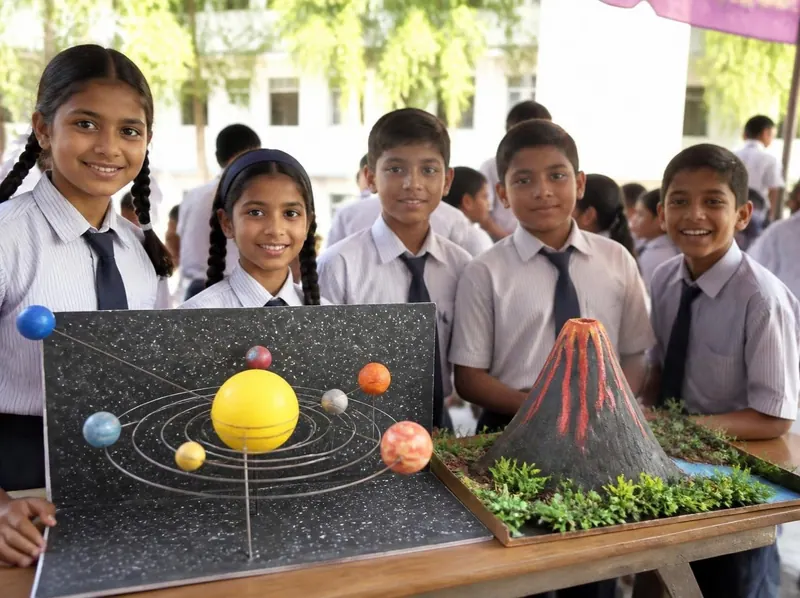
Idea finder
Choose your class and what interests you, or search for a word such as magnet, solar, heart or robot. Open any card for a summary, or its title for the full page with the science, the steps and the viva questions.
Each joint of the arm is a servo whose angle is set by a PWM signal. Reading four potentiometers and mapping each to 0 to 180 degrees lets you pose the arm by hand-turned knobs and pick up light objects.
Safety: Keep fingers away from the joints when powered. Cut sticks and card with an adult. Never power several servos from the Arduino 5 V pin, as the current surge is too large.
Take it further: Record the arm positions in an array and replay them so the arm repeats a pick-and-place routine by itself.
A robot that always keeps a wall on its left will find the exit of a simply connected maze. It needs three distance readings and a small decision program, which shows how robots navigate.
Safety: Handle lithium cells with care and charge them only with a proper charger under adult supervision. Keep fingers off the wheels. Do not leave the robot running unattended.
Take it further: Make the robot map the maze and then take the shortest route on a second run.
Sumo robots search for an opponent, push it out of a black ring and stop at the white border. This needs edge detection with reflective sensors and distance sensing, with simple decision priority in the code.
Safety: Charge lithium cells only with a proper charger and an adult. Keep hands off the robot during a match. Sharp metal edges on the scoop must be filed smooth.
Take it further: Add two side sensors so the robot can see an opponent that attacks from the side.
A tilt sensor on a glove tells the car which way to go. The data is sent over a 2.4 GHz radio link by a pair of modules, so the car follows hand movements without a phone.
Safety: The nRF24L01 runs from 3.3 V only, not 5 V. Charge lithium cells only with a proper charger and an adult. Test the car on a stand first and keep fingers off the wheels.
Take it further: Add a flex sensor on one finger to control a horn or a speed boost.
The TCS3200 sensor measures how much red, green and blue light an object reflects. The Arduino classifies the colour and uses a servo to drop the object into the right bin, a small model of an industrial sorting line.
Safety: Low voltage only. Do not eat any candies used in testing. Keep fingers clear of the moving servo arm.
Take it further: Add an LCD counter that shows how many beads of each colour were sorted.
Factory robots must place a gripper at an exact point. Inverse kinematics finds the joint angles that reach a point. The project builds a four-axis arm from acrylic and servos and solves the angles by trigonometry in Python, then measures positioning accuracy and repeatability.
Safety: The arm can pinch fingers and servos draw large currents. Do not power them from the Arduino pin. An adult must check wiring and supervise first movements, and keep hands out of the work area when running.
Take it further: Add a webcam and OpenCV to detect the cube colour and position, and make the arm pick it without fixed coordinates.
A two-wheel robot is an inverted pendulum and falls unless it moves under itself fast enough. The project builds one with a gyroscope and accelerometer, fuses their data, and tunes a PID controller until the robot stands and recovers from pushes, recording the effect of each gain.
Safety: Li-ion packs need a protection board and the right charger, and an adult must supervise charging. Keep the robot away from fingers as the wheels can pinch, and always test on the floor in a clear area.
Take it further: Add a Bluetooth module and a phone joystick so that the robot can drive and turn while balancing.
Before you start
Six things to think about before you decide. A project you understand and finish well beats a big one you rush.
Good projects answer a question you are curious about: why does iron rust, which fabric keeps tea hottest, how does a robot follow a line? A question gives your project a purpose.
Find out whether your teacher wants a working model, a still model or an investigatory project, the size limits, the topic or theme, the date, and whether ready-made models are allowed.
Each idea here shows a class band, a difficulty and a rough time. Choose something you can finish properly with time to test it, rather than something huge you have to rush.
Judges and examiners ask how it works. Choose an idea whose science you understand, or can learn from your textbook and the free ebooks, and practise explaining it.
Write down everything you need before you start. Many models use things from home; motors, LEDs, sensors and boards are easy to buy as spare parts or in a kit.
Change one thing and measure what happens, add a chart of your readings, or show a real-life use. Even a well-known model becomes yours when you add your own observations.
Plan your time
Work backwards from the date of your exhibition or submission. Short of time? Do the same steps faster, but never skip testing.
On the day
You will usually have a minute or two to explain your project, then questions. Practise both out loud at home.
Projects and kits
Need a working model, a kit to build yourself, or a motor, LED, battery or sensor to finish your own? Every idea card links to the matching section of the store.
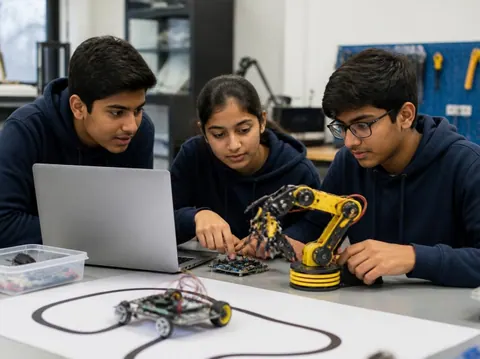
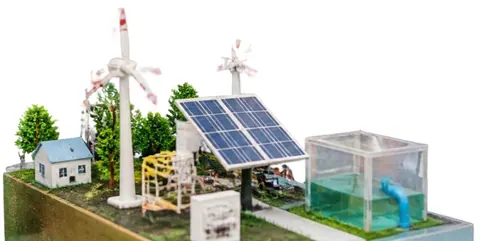
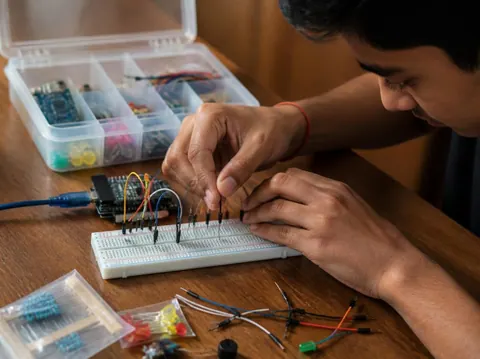
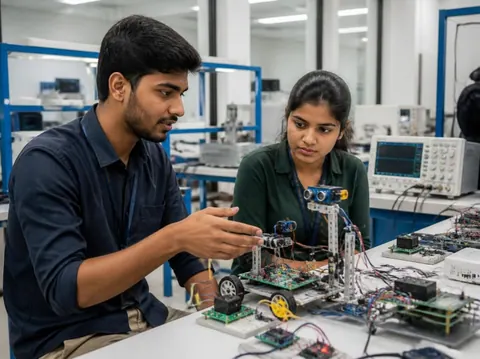
Cannot find what you need? Ask the head office on WhatsApp.
Free ebooks
Step-by-step project books for every class, plus guides to exhibitions, project files and viva questions. Free to download, read and print.
Science projects
Choose a project, build it, present it and answer the judges with confidence
Science projects
How to write the report, from the cover page to the bibliography
Science projects
How to answer examiner questions, with sample questions for popular projects
Science projects
Simple, safe projects young children can make with a little help
Science projects
Working models matched to middle-school science topics
Science projects
Topics, method and report structure for physics, chemistry and biology
Stay safe
Read these with a parent before you start. Ideas that need extra care carry their own safety note on the card.
Power your models with cells, batteries or a low-voltage adapter. Never connect anything home-made to a wall socket.
Cutters, blades, glue guns, soldering irons and drills need an adult beside you. Cut away from your body on a board.
Use only safe household materials at home. Acids, stains and other lab chemicals are for the school lab with your teacher. Wear goggles and never taste anything.
Candles and burners only with an adult present and water nearby. Tie back long hair and keep paper away.
Do not short-circuit a battery, mix old and new cells, or puncture or heat a lithium battery. Remove batteries when the model is stored.
Magnets, button cells and small parts can be swallowed. Keep them away from younger brothers and sisters, and wash your hands after making.
Still have a question?
Chat on WhatsAppA working model moves or works to show a principle, such as a windmill that lights an LED. A still model shows how something is built or arranged, such as the layers of the Earth. An investigatory project asks a question and answers it by experiment: you change one thing, measure the result and draw a conclusion from your readings.
Check your school’s rules first: some competitions want models made by the student, and some allow ready-made ones. Either way, you must understand how it works and be able to explain it. A good approach is to build from a kit, or to add your own measurements and chart to a ready-made model.
Each idea here shows a rough time for the making. Leave extra time for reading, testing, the report and practice: three to four weeks from choosing to presenting is comfortable for most school projects.
A title page, your aim, the science behind it, the materials, the method with a diagram, your observations in a table, the result and conclusion, precautions, and the books and websites you used. The free ebook “Writing a Science Project File” explains each part.
Carry spare cells, wires and tape, and test everything when you arrive. Take a short video or photos of it working at home. If something still fails, explain calmly what should happen and what you would check: judges value understanding as much as a perfect model.
More help
Read the student help pages, try the free calculators for circuits and units, or ask the head office on WhatsApp.