Science projects
Your Science Exhibition Guide
Choose a project, build it, present it and answer the judges with confidence
 Gurukul Technicals InstituteProjects & kits · Computer education · RoboticsBecome a Franchise PartnerMenu
Head office, Rana Pratap Bagh, Delhi
Science project idea finder
Find a project by class, subject and type. Every idea explains the science it shows, what you need, how long it takes and how to stay safe, with free ebooks and ready-made kits if you need them. 929 ideas have numbered steps and viva questions on their own page.
Every idea by class: Class 1 to 5, Class 6 to 8, Class 9 and 10, Class 11 and 12, College and diploma.
Want a complete build with diagrams? 16 free detailed project guides
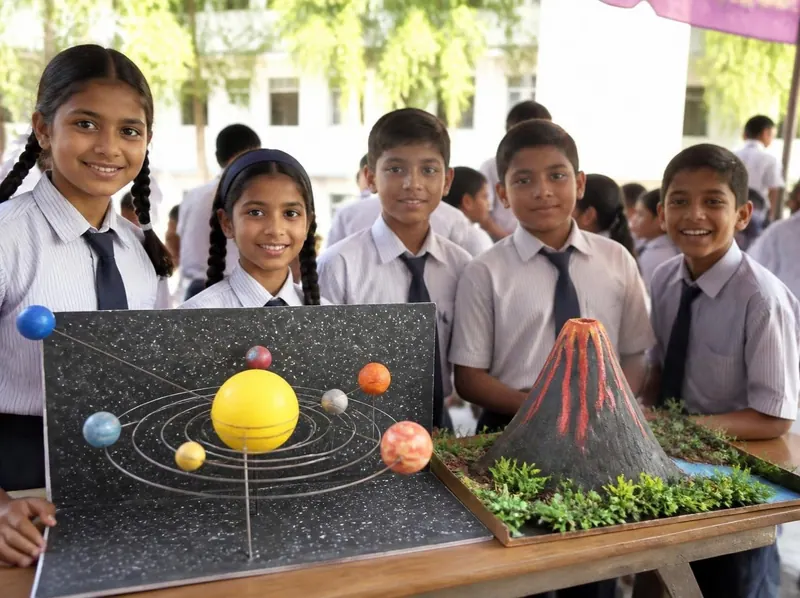
Idea finder
Choose your class and what interests you, or search for a word such as magnet, solar, heart or robot. Open any card for a summary, or its title for the full page with the science, the steps and the viva questions.
Formulas work out each student’s total, percentage, grade and pass or fail, and nested IF handles the grade bands. It shows how report cards can be calculated automatically.
Take it further: Add a column with the subject in which each student scored the highest using INDEX and MATCH with MAX.
Present and absent entries are counted with COUNTIF, converted to a percentage, and flagged when below 75 percent. It shows how formulas can replace manual counting.
Take it further: Use a pivot-like summary to show the average attendance by day of the week.
Survey answers are counted with COUNTIF and shown as a pie chart with percentages. It teaches data collection, counting and choosing the right chart.
Take it further: Repeat the survey in another class and draw a side by side bar chart to compare.
A running balance formula adds income and subtracts spending on every row, and a line chart shows how the balance changes over the month. It teaches saving habits and cell references.
Take it further: Add a savings goal cell and a formula that shows how many days it will take to reach it at the average saving rate.
A single formula with MIN and MAX charges different rates for each block of units, as slab billing does. It shows how step-rate pricing works and how to check it.
Take it further: Compare your bill before and after switching a bulb or fan to a more efficient one using real meter readings.
Two formulas grow the same sum at the same rate, one adding the same interest each year and one adding interest on interest. The chart shows compounding pulling ahead with time.
Take it further: Add a column for compounding every six months, using (1 + r/200)^(2n), and compare.
Daily maximum temperatures are coloured from cool to hot with a colour scale and summarised with AVERAGE, MAX and MIN. It shows how colour helps people see patterns in numbers.
Take it further: Add a second month and compare the two heat maps and averages side by side.
Points from many events are added for each house with SUMIF, ranked and drawn as a bar chart. It shows how one list of results can produce a summary.
Take it further: Add team events with double points using a column of multipliers and include it in the SUMPRODUCT formula.
An anonymous survey of habits, such as sharing passwords or reusing one everywhere, gives percentages and a bar chart. It shows which habits put accounts at risk and how to improve them.
Safety: Never ask anyone for their actual password. Questions must be about habits only, answers must be anonymous, and a teacher must agree to the survey.
Take it further: Teach a class of younger children one password rule with a short skit and test whether they remember it a week later.
A set of made-up messages, some genuine-looking and some fake, is sorted by friends using a checklist, and the results show which tricks work best. It teaches how to recognise phishing and scam messages.
Safety: Use only invented messages and never real company logos, phone numbers or links. Do not send fake messages to anyone, and a teacher must approve the test.
Take it further: Compare how well different age groups do and show the result in a chart.
Daily screen time for study, play and chat is logged for a week, averaged and charted, then a plan is made and tested. It teaches self-observation and healthy habits with data.
Safety: This is a personal diary; share only what you are comfortable with. Take breaks from the screen every 30 minutes and look at distant things to rest your eyes.
Take it further: Add a column for hours of sleep and see whether late screen use matches shorter sleep.
Twenty questions with known answers are put to an AI chatbot and the answers are checked against textbooks, giving an accuracy percentage and a list of confident mistakes. It shows that AI can be useful but must be verified.
Safety: Use the chatbot with an adult, never type your name, address, school or photos, and follow the age rules of the tool.
Take it further: Repeat the test a month later or with a second chatbot and compare accuracy.
A free browser tool learns to tell a pencil, an eraser and a sharpener from webcam examples, and testing shows how the number and variety of examples change accuracy. It teaches how machine learning learns from data.
Safety: Point the camera only at the objects and not at faces. Read what the tool says about where images are stored and do not save the project online with images of people.
Take it further: Add a fourth class called nothing with only the empty background so the model can say that no object is present.
Apps on a phone are checked for the permissions they hold, such as camera, microphone and location, and compared with what they need. It teaches how to protect privacy by limiting access.
Safety: Only audit a phone with its owner’s agreement and an adult present. Do not change settings on a phone you do not own, and do not note down any passwords or personal data.
Take it further: Repeat after a month and see whether any apps changed their permissions after an update.
Short paragraphs written by students and by an AI tool are mixed and shown to volunteers who guess the author. The results show how hard it is to tell and what clues people use.
Safety: Use the AI tool with an adult and give it no personal details. Show paragraphs without names and use the test only for learning, never to accuse anyone of cheating.
Take it further: Test whether a longer paragraph is easier to identify than a short one.
A flowchart with decision diamonds and a loop describes the steps of an ATM withdrawal, including three PIN attempts and a balance check. It shows how to plan an algorithm before coding it.
Take it further: Translate the flowchart into a Python program using a while loop and an if for each diamond.
Eight number cards are sorted by two methods while counting comparisons and swaps. It shows how different algorithms reach the same answer with different amounts of work.
Take it further: Write bubble sort in Python with nested for loops and count its swaps with a variable, then check against your hand count.
Five cards with dots for 1, 2, 4, 8 and 16 show any number up to 31 by turning cards face up or down. It teaches how computers store numbers using only on and off, which are the digits 1 and 0.
Take it further: Write your age and your birthday in binary and make a secret message by writing letters as numbers from 1 to 26 in binary.
Looking for a roll number in a sorted list is done one by one and then by halving, and the steps are counted. It shows why binary search is so much faster for large lists.
Take it further: Write both searches in Python for a list of 1000 numbers and count steps with a variable.
One program finds primes with the Sieve of Eratosthenes and generates Fibonacci numbers whose consecutive ratio settles near 1.618. It links number patterns to loops and lists.
Take it further: Plot the primes below 100 as a spiral using turtle (Ulam spiral) and look for diagonal lines.
The kidney filters blood: large particles stay in, and water, salts and urea leave as urine. The layered bottle shows filtering by particle size.
Safety: An adult must cut the bottle. Do not drink the filtered water.
Take it further: Add a second filter and test whether salt can be taken out; explain why it cannot.
A flat sheet of paper bends easily, but the same paper rolled into a tube becomes strong. The bridge shows how shape, not material, decides strength.
Safety: Keep fingers clear when loads are added. An adult should be present if heavy loads are used.
Take it further: Make tubes of different thickness and plot the failure load against tube diameter.
A truss turns a downward load into pulling in some sticks and pushing in others. Triangular patterns share the load, so a light bridge can carry many times its own weight.
Safety: An adult must cut any stick. Use glue away from the eyes and work on newspaper.
Take it further: Redesign with a different pattern and compare which gives a higher ratio.
Before you start
Six things to think about before you decide. A project you understand and finish well beats a big one you rush.
Good projects answer a question you are curious about: why does iron rust, which fabric keeps tea hottest, how does a robot follow a line? A question gives your project a purpose.
Find out whether your teacher wants a working model, a still model or an investigatory project, the size limits, the topic or theme, the date, and whether ready-made models are allowed.
Each idea here shows a class band, a difficulty and a rough time. Choose something you can finish properly with time to test it, rather than something huge you have to rush.
Judges and examiners ask how it works. Choose an idea whose science you understand, or can learn from your textbook and the free ebooks, and practise explaining it.
Write down everything you need before you start. Many models use things from home; motors, LEDs, sensors and boards are easy to buy as spare parts or in a kit.
Change one thing and measure what happens, add a chart of your readings, or show a real-life use. Even a well-known model becomes yours when you add your own observations.
Plan your time
Work backwards from the date of your exhibition or submission. Short of time? Do the same steps faster, but never skip testing.
On the day
You will usually have a minute or two to explain your project, then questions. Practise both out loud at home.
Projects and kits
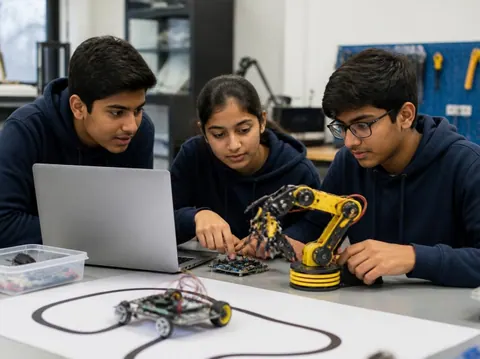
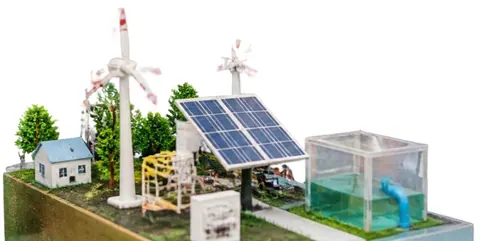
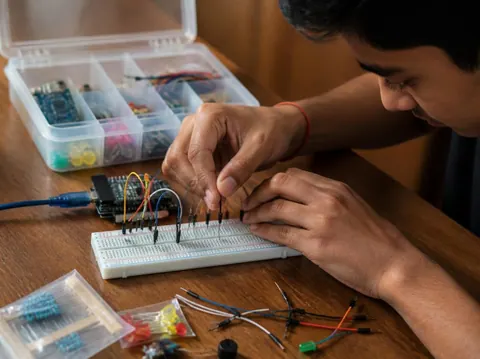
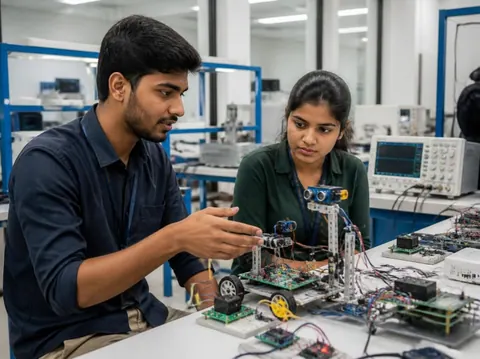
Need a working model, a kit to build yourself, or a motor, LED, battery or sensor to finish your own? Every idea card links to the matching section of the store.
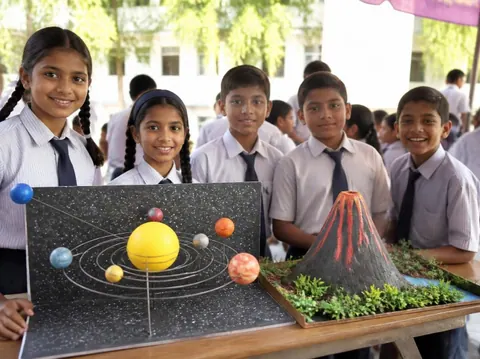
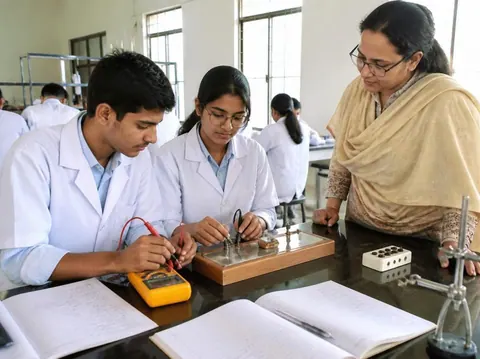
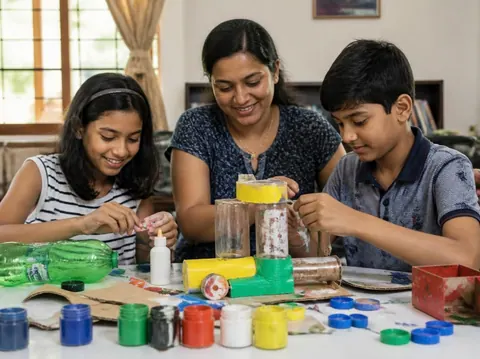
Cannot find what you need? Ask the head office on WhatsApp.
Free ebooks
Step-by-step project books for every class, plus guides to exhibitions, project files and viva questions. Free to download, read and print.
Science projects
Choose a project, build it, present it and answer the judges with confidence
Science projects
How to write the report, from the cover page to the bibliography
Science projects
How to answer examiner questions, with sample questions for popular projects
Science projects
Simple, safe projects young children can make with a little help
Science projects
Working models matched to middle-school science topics
Science projects
Topics, method and report structure for physics, chemistry and biology
Stay safe
Read these with a parent before you start. Ideas that need extra care carry their own safety note on the card.
Power your models with cells, batteries or a low-voltage adapter. Never connect anything home-made to a wall socket.
Cutters, blades, glue guns, soldering irons and drills need an adult beside you. Cut away from your body on a board.
Use only safe household materials at home. Acids, stains and other lab chemicals are for the school lab with your teacher. Wear goggles and never taste anything.
Candles and burners only with an adult present and water nearby. Tie back long hair and keep paper away.
Do not short-circuit a battery, mix old and new cells, or puncture or heat a lithium battery. Remove batteries when the model is stored.
Magnets, button cells and small parts can be swallowed. Keep them away from younger brothers and sisters, and wash your hands after making.
Still have a question?
Chat on WhatsAppA working model moves or works to show a principle, such as a windmill that lights an LED. A still model shows how something is built or arranged, such as the layers of the Earth. An investigatory project asks a question and answers it by experiment: you change one thing, measure the result and draw a conclusion from your readings.
Check your school’s rules first: some competitions want models made by the student, and some allow ready-made ones. Either way, you must understand how it works and be able to explain it. A good approach is to build from a kit, or to add your own measurements and chart to a ready-made model.
Each idea here shows a rough time for the making. Leave extra time for reading, testing, the report and practice: three to four weeks from choosing to presenting is comfortable for most school projects.
A title page, your aim, the science behind it, the materials, the method with a diagram, your observations in a table, the result and conclusion, precautions, and the books and websites you used. The free ebook “Writing a Science Project File” explains each part.
Carry spare cells, wires and tape, and test everything when you arrive. Take a short video or photos of it working at home. If something still fails, explain calmly what should happen and what you would check: judges value understanding as much as a perfect model.
More help
Read the student help pages, try the free calculators for circuits and units, or ask the head office on WhatsApp.