Design & DTP
DTP and CorelDRAW Study Book
The complete study notes, practice questions and glossary for DTP and CorelDRAW
 Gurukul Technicals InstituteProjects & kits · Computer education · RoboticsBecome a Franchise PartnerMenu
Head office, Rana Pratap Bagh, Delhi
Design and creative
Design posters, visiting cards, banners, invitations, books and social media posts, and get files ready to print sharply.
This could suit you if
On this page
The work
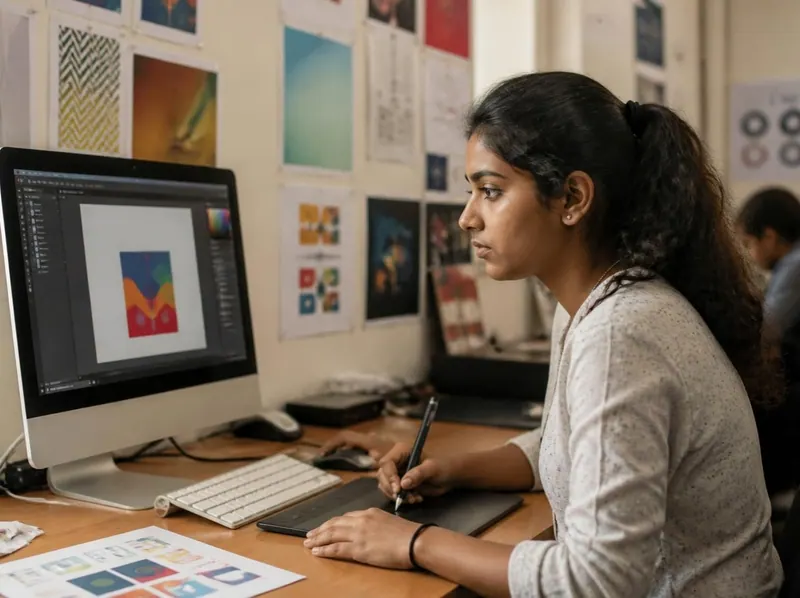
A DTP (desktop publishing) operator lays out pages for print: books, magazines, question papers, pamphlets and forms, often in both English and Hindi. A graphic designer creates the look of things: logos, posters, banners, packaging, visiting cards and social media posts. In small print shops one person often does both.
The work mixes creativity with care. A design has to look good, but it also has to be spelled correctly, sized correctly and saved in the right format, or it prints badly and has to be done again.
A day at work
Every workplace is different, but a typical day goes something like this.
Read the new orders: a shop needs a banner, a school needs a notice, and a client has sent changes to yesterday’s card.
Design in CorelDRAW or Photoshop: choose fonts and colours, place photos and text, check the sizes.
Send a proof on WhatsApp or email, make the client’s corrections, and get approval in writing before printing.
Prepare final print files (correct size, bleed, CMYK colours, fonts converted to curves) and hand them to the printer.
Skills and tools
The skills come first; the tools are how you use them. You do not need everything on day one.
Learning path
A realistic plan if you practise most days, at a course or at home. Go at your own pace: the order matters more than the speed.
Practice plan
Employers and customers want to see what you can do. Build these as you learn, and keep them neat: they speak for you in an interview.
Logo, visiting card, letterhead and a shop banner for one made-up business, all in the same style.
An invitation card, a pamphlet and a poster, printed so people can hold the real thing.
A four to eight page booklet or newsletter in English and Hindi.
Show what you changed: colour, background or retouching.
A set of posts for a festival offer, sized correctly for each platform.
Getting started
Most people start with a junior job or helper role and learn on the job; some build their own small business step by step.
Stay safe
Fake job offers target people looking for their first job. A real employer never asks you for money.
A real employer does not ask for a registration fee, a security deposit, or money for a training kit, ID card or uniform before you join. If someone asks you to pay to get a job, it is a scam.
Offers on WhatsApp or Telegram to earn by liking videos, writing reviews or doing "simple online tasks" are a common fraud. They pay a little at first, then ask you to deposit money for bigger tasks.
Look for an office you can visit, an official email address and website, and people who have actually worked there. Search the company name with the word "fraud" before you go.
Never share an OTP, bank PIN or password. Do not send scans of Aadhaar or PAN, or install a screen-sharing app, for anyone you have not checked.
Interviews should be in an office or a public place, in the daytime. Tell a family member where you are going, and leave if anything feels wrong.
Call the national cyber crime helpline 1930 straight away, report it at cybercrime.gov.in and tell your bank. The sooner you report, the better the chance of stopping the money.
National cyber crime helplineCheated by a fake job or payment? Call 1930 straight away and report it at cybercrime.gov.in (opens in a new tab).
Interview tips
Learn at the institute
These courses teach skills on this page. For the duration, fees and batch timings, ask the head office or your nearest member centre.
Free ebooks
Free PDF ebooks for this line of work, to read on your phone or print.
Design & DTP
The complete study notes, practice questions and glossary for DTP and CorelDRAW
Design & DTP
Crop, retouch, adjust colour and make simple designs in Adobe Photoshop
Design & DTP
Paper sizes, bleed, CMYK, resolution and print-ready PDFs
Design & DTP
Make newsletters, forms, books and certificates with a DTP layout
Computer & office
Type in Hindi with the Inscript keyboard and Unicode fonts, step by step
English & skills
Prepare a resume, practise answers and make a good impression
Still have a question?
Chat on WhatsAppIt helps, but it is not required. Most graphic design is about arranging text, pictures and colours clearly. Good taste, practice and attention to detail matter more than drawing.
Many Indian print shops use CorelDRAW for cards, banners and layouts, so it is a good first tool. Photoshop is for editing photos. You will need both.
Screens show colours in RGB, printers use CMYK inks, and some bright screen colours cannot be printed. Images below about 300 dpi at print size can also look blurry. Learn print setup and always check a printed proof.
Not always: many are copyrighted. Use free resources whose licence allows commercial use, your own photos, or images your client owns, and keep a note of where each came from.
Keep exploring