
Courses49 courses in 8 families
Practical courses for work, study and your own business.
Computer and office skills, accounting software, programming, design, hardware, robotics and school skills for children, taught at the Delhi head office and at authorised member centres. Every course comes with study books and practice tests in the student portal.
Not sure where to start? See the learning paths.
- course families
- 8
- study books
- 51
- lessons
- 441
- practice questions
- 1,913

Certificates you can verify
Course families
8 families of courses, one page for every course.
Open a family to see what each course teaches, who it suits and the study material that comes with it, or go straight to a course.
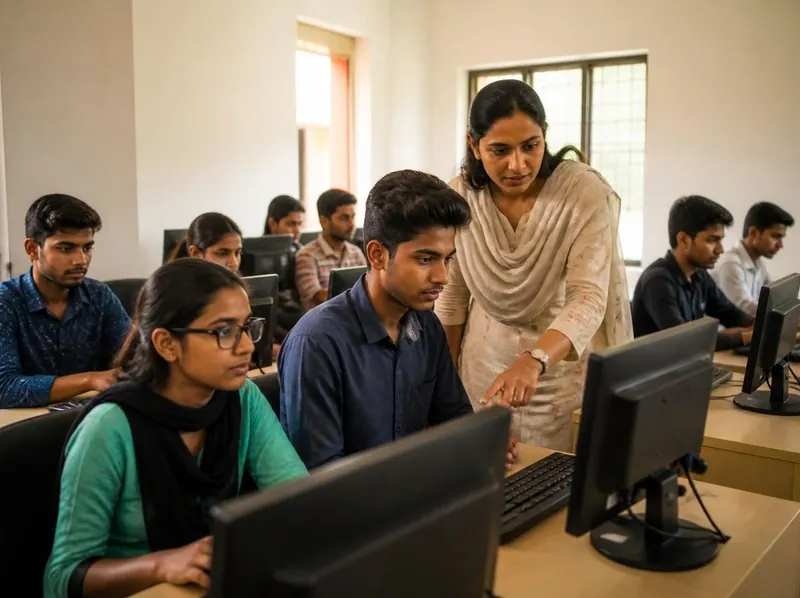
Beginners, school leavers and working adults
Computer & Office Skills
Use a computer with confidence at home and at work: documents, spreadsheets, the internet and fast, accurate typing.
- 7courses
- 9study books
- 315practice questions
- 15free ebooks
Study books in the student portal
- Computer Fundamentals
- Windows, Internet and Email
- MS Word
- MS Excel
- MS PowerPoint
- Typing
- Data Entry and Office Automation
- Advanced Excel and Data Analysis
- Computer Basics for Absolute Beginners and Seniors
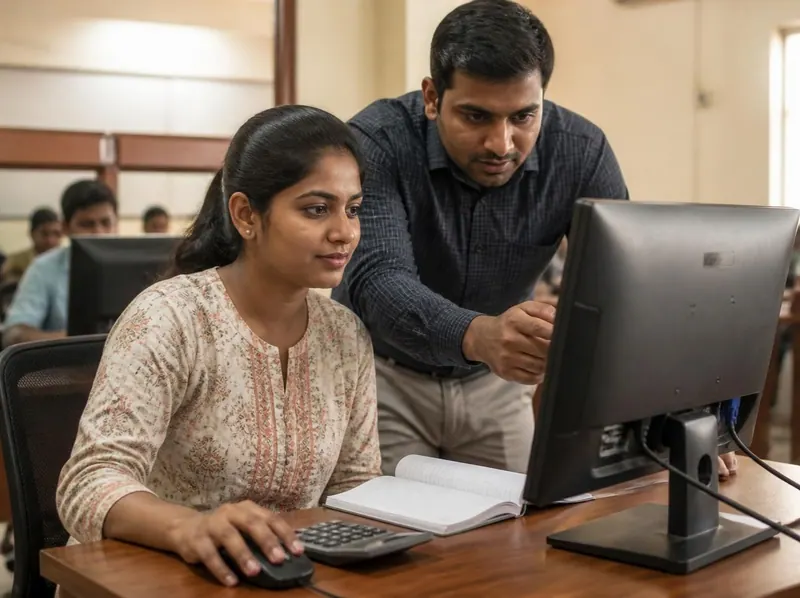
Commerce students, shop and office staff
Accounting & Business Software
Keep the books of a business on the computer, including GST, in the accounting software most Indian offices use.
- 2courses
- 3study books
- 110practice questions
- 6free ebooks
Study books in the student portal
- Tally with GST
- MS Excel
- Basic Accounting and Bookkeeping
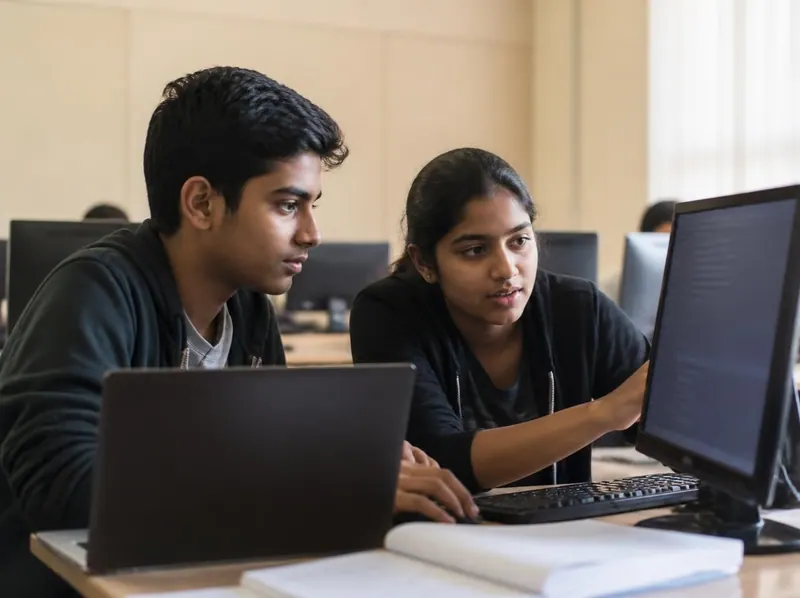
Students from class 10 onwards
Programming & Web Development
Write programs and build web pages, from the first lines of C to databases and IT security.
- 8courses
- 11study books
- 405practice questions
- 15free ebooks
Study books in the student portal
- C Programming
- C++ Programming
- Java
- HTML and CSS
- Python Programming for Beginners
- JavaScript for Interactive Web Pages
- WordPress Website Building
- Mobile Apps with MIT App Inventor
- Databases and SQL
- Computer Networking
- Cyber Security Basics
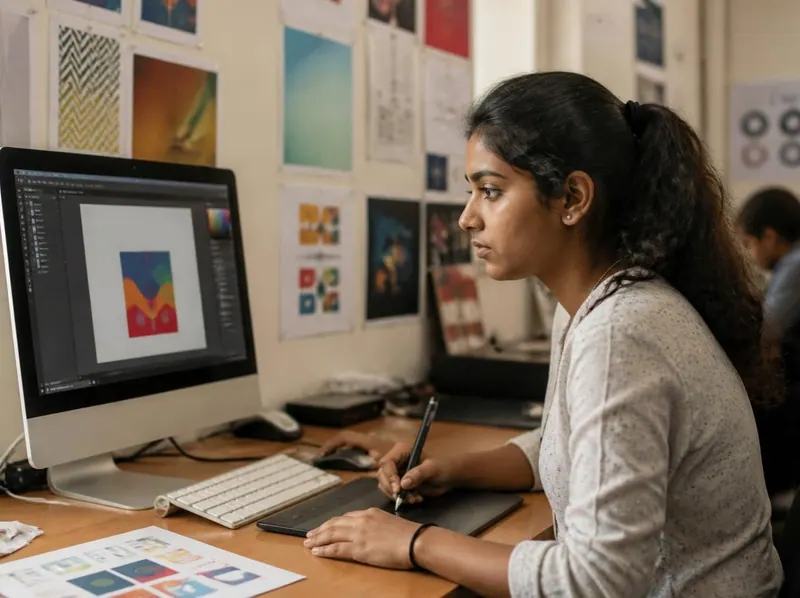
Students and small businesses who make print and web material
Design & Digital Skills
Lay out posters, cards and documents for print with desktop publishing tools.
- 7courses
- 6study books
- 235practice questions
- 6free ebooks
Study books in the student portal
- DTP and CorelDRAW
- Graphic Design with Canva and Photoshop Basics
- Video Editing Basics
- Digital Marketing Basics
- Photography and Photo Editing
- 3D Design with Tinkercad
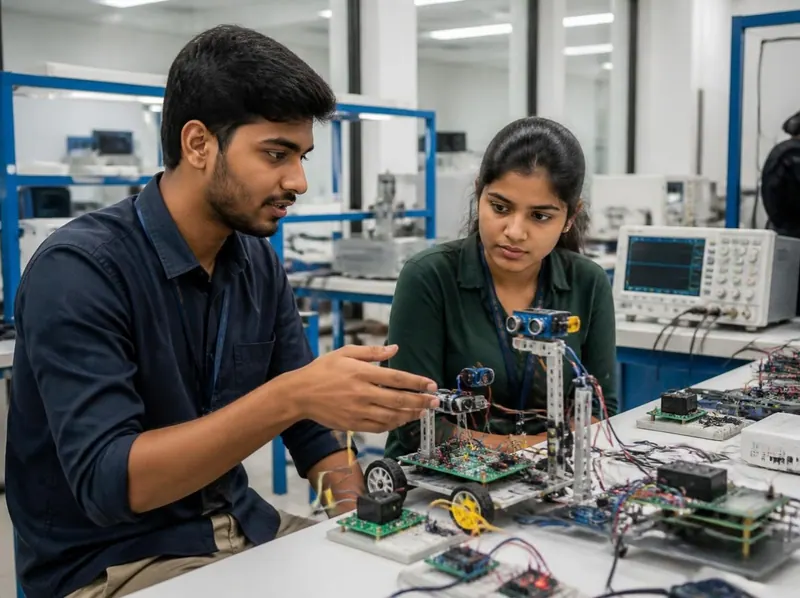
Learners who want hands-on technical work
Hardware & Networking
Assemble, maintain and repair computers, set up networks and repair mobile phones.
- 5courses
- 6study books
- 220practice questions
- 11free ebooks
Study books in the student portal
- Computer Hardware and Maintenance
- Computer Networking
- Cyber Security Basics
- Mobile Repairing Basics
- Basic Electronics
- Drone and IoT Basics

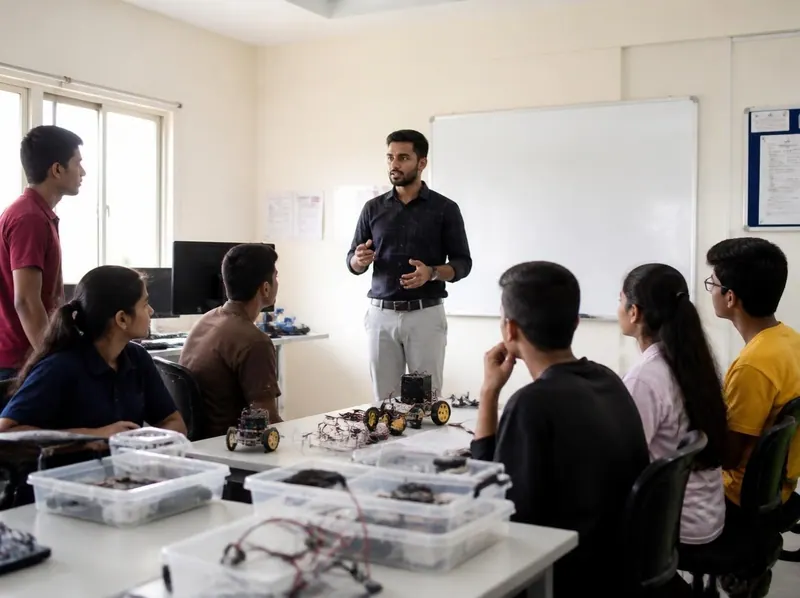
Children from KG to class 12, and schools
Robotics & Coding
Build and program robots in small batches at the Delhi institute, with stages for each age group.
- 3courses
- 2study books
- 70practice questions
- 13free ebooks
Study books in the student portal
- Robotics and Electronics Basics
- Arduino and Coding for Robots
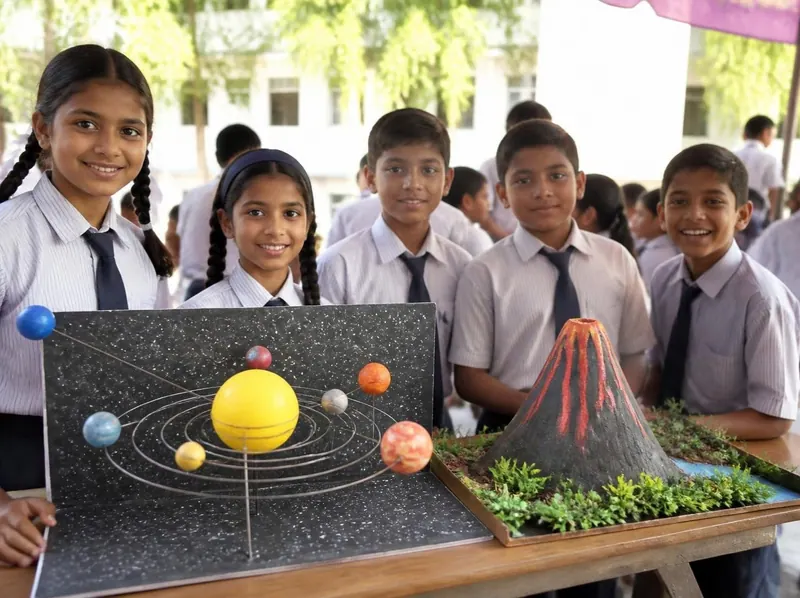
School children and teenagers
School Skills
Skills that go beside school: coding with Scratch, mental maths, handwriting, speaking with confidence, staying safe online and using AI sensibly.
- 12courses
- 13study books
- 523practice questions
- 0free ebooks
- Scratch coding
- Abacus and Vedic maths
- Handwriting and calligraphy
- Public speaking
- Cyber safety
- AI literacy
- Game design
- Maths olympiad foundation
- English for kids
- Creative writing
- Financial literacy
- Science fair skills
Study books in the student portal
- Scratch Coding for Kids
- Abacus and Vedic Maths
- Handwriting and Calligraphy
- Public Speaking and Confidence
- Cyber Safety for Students
- AI and ChatGPT Literacy for Students
- Game Design Basics: Scratch and Godot Concepts
- Maths Olympiad Foundation (Class 6 to 8)
- English for Kids (Classes 1 to 5)
- Creative Writing for Classes 6 to 10
- English Grammar and Communication
- Financial Literacy for Teens
- Science Fair and Project Skills
Students above 12 years of age
Other Programmes
Communication and vocational courses offered alongside computer education.
- 5courses
- 11study books
- 370practice questions
- 17free ebooks
Study books in the student portal
- Spoken English
- English Grammar and Communication
- Shorthand
- Typing
- Computer Fundamentals
- MS Word
- MS Excel
- MS PowerPoint
- Windows, Internet and Email
- Beauty and Wellness Basics
- Dress Design and Tailoring Basics
In the student portal
Study books and timed practice tests come with every course.
Students of the institute and its member centres sign in to read the study books of their course, test themselves and keep their certificates. The centre gives each student a login on enrolment.
- 51study books
- 441lessons
- 1,913practice questions
- 1,336glossary terms
Study books, lesson by lesson
51 study books with 441 lessons. Each lesson has its key points and exercises, and each book a glossary. Read on a phone or computer, or print a lesson.
Timed practice tests
Up to 20 questions picked at random from the subject’s question bank, with one minute per question. At the end you see the right answer and an explanation for each one.
Typing speed test
For the courses with typing: 10 practice passages in English and Hindi. The test shows your words per minute and accuracy, and keeps your results.
Certificates you can verify
Students who pass receive a Gurukul Technicals Institute certificate and marksheet. Certificates issued through the portal can be checked online by their number.
Compare
All 49 courses at a glance.
The study books, lessons, practice questions and free ebooks that go with each course. Pick a family to narrow the list; every course name opens its own page.
| Course | Study books in the portal | Lessons | Practice questions | Free ebooks |
|---|---|---|---|---|
| ADCA, advanced computer applicationsComputer & Office Skills | Computer Fundamentals, Windows, Internet and Email, MS Word, MS Excel, MS PowerPoint, Typing | 42 | 195 | 17 |
| Basic computer and the internetComputer & Office Skills | Computer Fundamentals, Windows, Internet and Email, Typing | 21 | 90 | 8 |
| MS OfficeComputer & Office Skills | MS Word, MS Excel, MS PowerPoint | 21 | 105 | 7 |
| Typing in English, Hindi and regional languagesComputer & Office Skills | Typing, Computer Fundamentals | 14 | 55 | 4 |
| Data entry and office automationComputer & Office Skills | Data Entry and Office Automation, MS Excel, Typing | 25 | 95 | 0 |
| Advanced Excel and data analysisComputer & Office Skills | Advanced Excel and Data Analysis, MS Excel | 17 | 75 | 0 |
| Computer basics for absolute beginners and seniorsComputer & Office Skills | Computer Basics for Absolute Beginners and Seniors, Typing | 17 | 60 | 0 |
| Tally with GSTAccounting & Business Software | Tally with GST, MS Excel | 14 | 70 | 8 |
| Basic accounting and bookkeepingAccounting & Business Software | Basic Accounting and Bookkeeping, MS Excel | 18 | 75 | 0 |
| C and C++Programming & Web Development | C Programming, C++ Programming | 14 | 70 | 7 |
| JavaProgramming & Web Development | Java | 7 | 35 | 5 |
| HTML and web designProgramming & Web Development | HTML and CSS | 7 | 35 | 3 |
| Python programmingProgramming & Web Development | Python Programming for Beginners | 11 | 40 | 0 |
| JavaScript and interactive web pagesProgramming & Web Development | HTML and CSS, JavaScript for Interactive Web Pages | 17 | 75 | 0 |
| WordPress website buildingProgramming & Web Development | WordPress Website Building, HTML and CSS | 17 | 75 | 0 |
| Mobile apps with MIT App InventorProgramming & Web Development | Mobile Apps with MIT App Inventor | 10 | 40 | 0 |
| Web development, networking, databases and IT security (class 10 pass)Programming & Web Development | HTML and CSS, Databases and SQL, Computer Networking, Cyber Security Basics | 28 | 140 | 14 |
| DTP, desktop publishingDesign & Digital Skills | DTP and CorelDRAW | 7 | 35 | 6 |
| CorelDRAWDesign & Digital Skills | DTP and CorelDRAW | 7 | 35 | 4 |
| Graphic design with Canva and Photoshop basicsDesign & Digital Skills | Graphic Design with Canva and Photoshop Basics | 8 | 40 | 0 |
| Video editingDesign & Digital Skills | Video Editing Basics | 8 | 40 | 0 |
| Digital marketing basicsDesign & Digital Skills | Digital Marketing Basics | 8 | 40 | 0 |
| Photography and photo editingDesign & Digital Skills | Photography and Photo Editing | 10 | 40 | 0 |
| 3D design with TinkercadDesign & Digital Skills | 3D Design with Tinkercad | 10 | 40 | 0 |
| Hardware and networkingHardware & Networking | Computer Hardware and Maintenance, Computer Networking | 14 | 70 | 10 |
| PC maintenanceHardware & Networking | Computer Hardware and Maintenance, Cyber Security Basics | 14 | 70 | 6 |
| Mobile repairingHardware & Networking | Mobile Repairing Basics | 7 | 35 | 4 |
| Basic electronicsHardware & Networking | Basic Electronics | 10 | 40 | 0 |
| Drone and IoT basicsHardware & Networking | Drone and IoT Basics | 10 | 40 | 0 |
| Robotics, KG to class 2Robotics & Coding | Robotics and Electronics Basics | 7 | 35 | 2 |
| Robotics, class 3 to 8Robotics & Coding | Robotics and Electronics Basics, Arduino and Coding for Robots | 14 | 70 | 10 |
| Robotics, class 8 to 12Robotics & Coding | Robotics and Electronics Basics, Arduino and Coding for Robots | 14 | 70 | 13 |
| Scratch coding for kidsSchool Skills | Scratch Coding for Kids | 9 | 40 | 0 |
| Abacus and Vedic mathsSchool Skills | Abacus and Vedic Maths | 10 | 40 | 0 |
| Handwriting and calligraphySchool Skills | Handwriting and Calligraphy | 10 | 40 | 0 |
| Public speaking and confidenceSchool Skills | Public Speaking and Confidence | 10 | 40 | 0 |
| Cyber safety for studentsSchool Skills | Cyber Safety for Students | 10 | 40 | 0 |
| AI and ChatGPT literacy for studentsSchool Skills | AI and ChatGPT Literacy for Students | 10 | 40 | 0 |
| Game design basicsSchool Skills | Game Design Basics: Scratch and Godot Concepts, Scratch Coding for Kids | 19 | 80 | 0 |
| Maths olympiad foundation (class 6 to 8)School Skills | Maths Olympiad Foundation (Class 6 to 8) | 10 | 40 | 0 |
| English for kids (class 1 to 5)School Skills | English for Kids (Classes 1 to 5) | 11 | 40 | 0 |
| Creative writing for studentsSchool Skills | Creative Writing for Classes 6 to 10, English Grammar and Communication | 18 | 75 | 0 |
| Financial literacy for teenagersSchool Skills | Financial Literacy for Teens | 12 | 40 | 0 |
| Science fair skillsSchool Skills | Science Fair and Project Skills | 13 | 48 | 0 |
| Spoken EnglishOther Programmes | Spoken English, English Grammar and Communication | 14 | 70 | 5 |
| ShorthandOther Programmes | Shorthand, English Grammar and Communication, Typing | 21 | 90 | 5 |
| Computer teacher trainingOther Programmes | Computer Fundamentals, MS Word, MS Excel, MS PowerPoint, Windows, Internet and Email | 35 | 175 | 7 |
| BeauticianOther Programmes | Beauty and Wellness Basics | 7 | 35 | 4 |
| Dress designOther Programmes | Dress Design and Tailoring Basics | 7 | 35 | 4 |
Free ebooks
83 free ebooks for the courses, ready to download.
Branded PDF ebooks for each course family, from study books with practice questions to handbooks. There are 17 more for science projects and kits.
- 15 free ebooks
Computer & Office Skills
All computer ebooks - 6 free ebooks
Accounting & Business Software
All accounting ebooks - 15 free ebooks
Programming & Web Development
All programming ebooks - 6 free ebooks
Design & Digital Skills
All design ebooks - 11 free ebooks
Hardware & Networking
- Computer Networking Study Book
- Computer Hardware and Maintenance Study Book
- Mobile Repairing Basics Study Book
- 13 free ebooks
Robotics & Coding
- Robotics and Electronics Basics Study Book
- Arduino and Coding for Robots Study Book
- Electronic Components Handbook
- 17 free ebooks
Other Programmes
All other programmes ebooks
Before you enrol
What to ask, and what to expect.
Who can join
Most courses take students above 12 years of age; the robotics and school-skills courses are for younger children in age groups. Admission is at the Delhi head office or at an authorised member centre. Tell the centre what you already know and it will suggest where to start.
Fees, durations and batches
Fees, durations and batch times depend on the course and the centre. Ask the head office or your nearest member centre for the current details in writing before you pay.
Exams and certificates
The institute prefers written exams, taken in front of a teacher. Students who pass receive a Gurukul Technicals Institute certificate and marksheet, which the head office verifies on request. How verification works.
Study notes
Students of the institute and its member centres get Gurukul E-Notes: online notes for basic computer, MS Office, C and C++, HTML, hardware, networking, spoken English, Tally and the internet.
GTI Franchise Network
Teach these courses at your own centre.
Member centres run the institute’s courses under their own name, with exams, certificates, study notes and support from the head office.